
Business knowledge
Give each role approved sources it can use to answer questions and prepare work.
Knowledge and testingTHE VOXISTRY PLATFORM
Define AI roles, connect your business knowledge and systems, and set how work moves between agents and your people.
One role. One process. A practical place to start.

THE PARTS, IN PLAIN LANGUAGE
One responsibility, with instructions, relevant knowledge and permitted tools.
Specialist agents coordinate their responsibilities and hand work between roles.
A sequence of tasks, system actions and decisions that carries a request toward a result.
MEET THE VOXISTRY PLATFORM
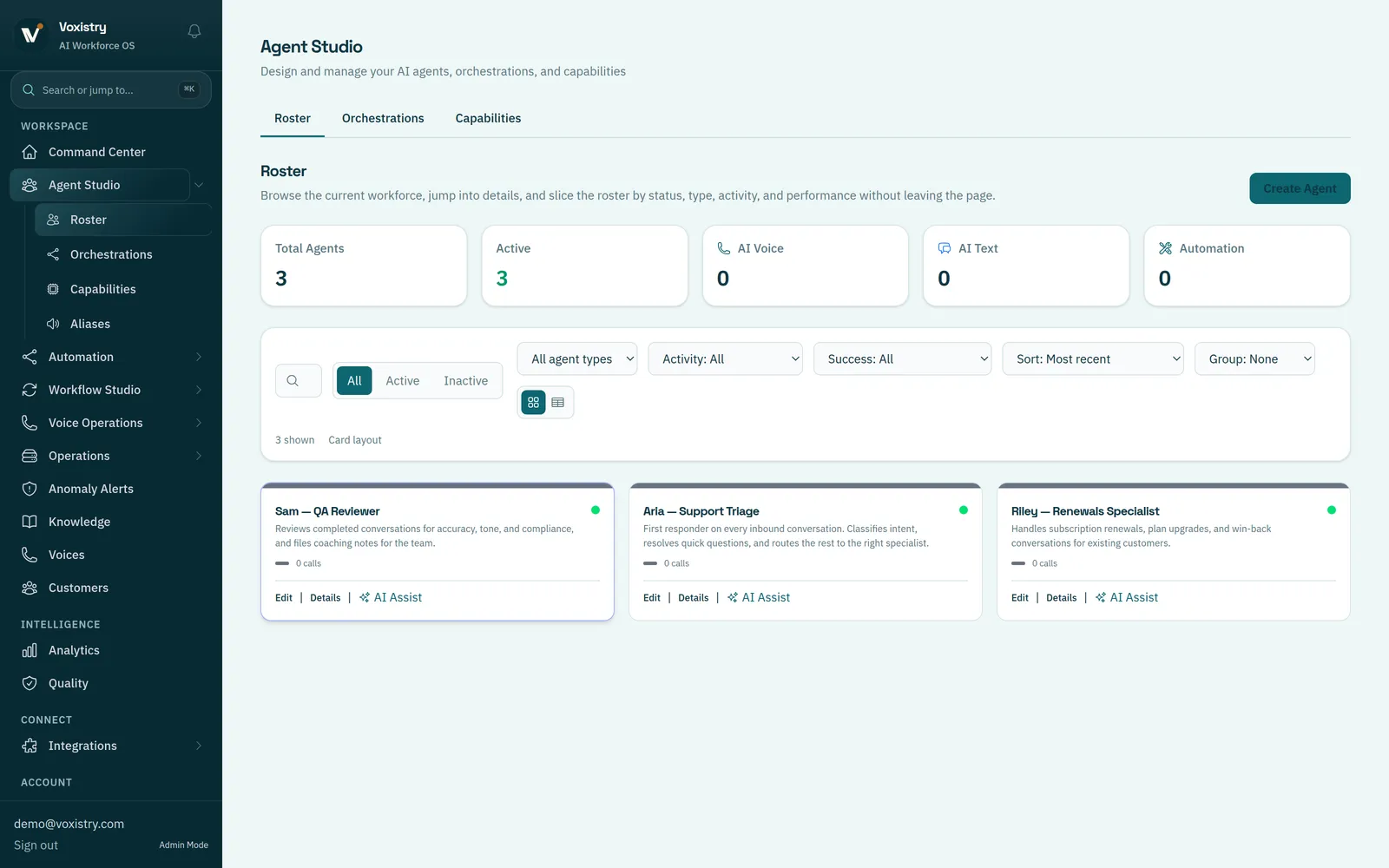
Use Voxistry’s Agent Studio to define each AI role, connect business knowledge and choose permitted tools. Start with an employee assistant, a customer service specialist or an operations coordinator.
AGENT STUDIO
Define what the agent should do, what information it can use and which tools it may call. Review its configuration, then test a focused task with your team.
IN THIS DEMOThree specialist roles handle support triage, renewals and quality review.
BRING THE RIGHT CONTEXT
Start with the information and actions a role needs. Add the operating tools that help your people prepare, test and review the workflow.
Give each role approved sources it can use to answer questions and prepare work.
Knowledge and testingDefine which records an agent can read, which actions it may prepare and which changes it can make.
Explore integrationsConnect requests to the knowledge, next action and responsible person the process needs.
Explore channel setupAvailable tools, channels and actions depend on the connections and scope configured for your deployment.

YOUR TEAM DEFINES THE BOUNDARIES
Choose what an agent can access and do. Add approval for selected actions, and define where exceptions go to a person.
CONNECT THE REST OF YOUR OPERATION
START WITH THE WORK
Start with a repeatable job, the systems involved and the decisions your people need to make.
Share the process you want to improve.
We’ll follow up to arrange a conversation.